- Build Real Mobile Apps from Scratch
- One Codebase for Both Android & iOS
- Learn Flutter & the Dart Language
- Start Freelancing as an App Developer
- Work on Real Projects During Training
- Create Portfolio to Get Developer Jobs
- Learn State Management & API Integration
- High Demand Skill for IT Jobs & Remote Work
Flutter Development Course

🎯Build Mobile Apps & Start Your Career in Flutter
Live Online Flutter Training to Build Android & iOS Apps and Start Freelancing or Job in App Development
-
Mastering Flutter: The Best Flutter Course Online Learning Experience
Looking for a flutter course near me? LiveTrainingLab runs Flutter as a live online class over 4 weeks, open to beginners and to developers coming from another platform. You build a working mobile app rather than watching one being built.
The course starts with Dart, the language Flutter uses, then moves through widgets and layouts, navigation, state management, calling APIs, storing data locally and building for a real device. No previous app development is assumed, since week one begins with the language itself.
Your trainer builds Flutter apps outside the classroom, so the examples come from real projects and so do the warnings. Each session gives you something to build, and the trainer watches your screen while you build it.
Joining online saves you the travel, but the class itself runs at a fixed batch time with everyone present. That set slot is what keeps people finishing, and it means every question gets answered the same day rather than sitting in a notebook.
By the end of the 4 weeks you will have built and run an app of your own on a real phone. That app goes into your portfolio, which matters more in an interview than any certificate does.
Advanced Flutter Concepts at the Flutter Course in Pakistan
Flutter is worth learning for one practical reason: you write the app once and it runs on both Android and iOS. For a freelancer or a small business, that halves the work and the cost, which is why clients keep asking for it by name.
You cover Dart first, then widgets, layouts and navigation, then the harder parts: state management, calling APIs and handling their responses, and building interfaces that work on both a small phone and a tablet.
Beginners and experienced developers both join these batches, and the pace is set from what your trainer sees on your screen rather than from a fixed script. Tell us where you stand at enrolment.
Flutter work turns up in local software houses and in remote contracts for clients abroad, usually business apps, delivery and booking tools, and rebuilds of older native apps. Ask us for the next batch timing and we will tell you exactly how the 4 weeks run.
Building Flutter Apps: Learn Flutter and step-by-step guidance.
Flutter is one of the friendlier ways into mobile development, mostly because you see the result of a change almost instantly. Here is how the course is put together.
You go through the whole process in order: setting up the SDK and an emulator, building a first screen, adding navigation and data, then testing on a real device and preparing a release build.
Beginners are welcome because week one starts with Dart itself: variables, functions, classes and async work. After that come widgets and layouts, then data handling, API calls and the state management that keeps a growing app from turning into a mess.
Nothing new is introduced until the previous piece is working on your machine, which is only possible because the class is live and your trainer can see everyone’s screen. Each session ends with a task, and the next one opens by reviewing it.
By the end you can take an idea, sketch the screens, build them in Flutter and run the result on your own phone. That is the point at which app ideas stop being ideas.
What is a Flutter course?
A Flutter course teaches you to build mobile apps with Flutter, the open-source SDK from Google. Its main advantage is one codebase producing both an Android and an iOS app, with performance close to native. Ours covers Dart, widgets and layouts, navigation, state management, API integration and publishing.
Launch Your App Development Journey: The Best Flutter Development Online Course.
Flutter removes the usual choice between building for Android or iOS first, since one project produces both. That alone saves a small team weeks of work.
At LiveTrainingLab the sessions are live and the batches are small, so your trainer can look at your code rather than talk over it. Timings are fixed morning and evening, and you can reach your trainer between sessions if something is stuck. You keep the project files after the course ends.
Sit in on a live LiveTrainingLab session before you enrol, watch how the trainer handles questions, and decide from there.
How Our Live Flutter Classes Work
Every session is taught live by a trainer at a fixed time, with a small batch. You have your editor and emulator open and you build along with the class, so widgets, routes and API calls get written while somebody is there to check them. Share your screen and the trainer can read the error output with you instead of leaving you to search for it.
Questions get answered as they come up, in English or Urdu. Each class ends with something to build, and the next one opens by running what you produced. Over 4 weeks that leaves you with an app on your own phone rather than notes about one.
Why a Live Class Beats a Recorded Flutter Course
Flutter has a rough first week. The SDK install, the Android toolchain, an emulator that refuses to start, a version mismatch between the tutorial and what you actually downloaded. Plenty of people quit there and never write a widget.
In a live class the setup happens with your trainer watching, and when something fails the cause is found in minutes. After that you learn to read the console output yourself, which is the skill that keeps you moving on every project afterwards.
Batches, Timings and the 4-Week Plan
The Flutter course runs over 4 weeks. Week one covers the Dart language, installing the SDK and an emulator, and your first running app. Week two is the interface: widgets, layouts, lists, images, forms and navigation between screens. Week three moves to data and state, including setState, provider-style state management, calling REST APIs, handling JSON and storing data locally. Week four covers device features and permissions, animations, testing on a real phone, build settings and preparing a release for the stores.
Batches run morning and evening so students and working people can both find a slot. Your timing is confirmed at enrolment, and the trainer stays reachable through the course.
Who This Flutter Course Is For
Beginners who want a first skill they can charge for. Android or iOS developers tired of maintaining two codebases. Web developers moving into mobile. Freelancers whose clients keep asking for an app on both platforms. Small business owners who want to build the first version of their own app.
No prior app development is needed, since week one starts with Dart itself. If you already write code in another language, mention it at enrolment and the early sessions will move faster for you.
Every class is live. Your trainer teaches in real time, watches your shared screen while you code, and debugs with you in the same session. Nothing is a replay of an older batch.
The course runs over 4 weeks of live classes, covering Dart, widgets and layouts, navigation, state management, APIs and publishing, and finishing with your own app. You keep the material and project files afterwards.
No. Week one starts with the Dart language from scratch, so you can begin with no coding background. If you already write code in another language, tell your trainer at enrolment and the pace will be adjusted.
You can write and test the whole app on Windows using an Android device or emulator, and the same code is ready for iOS. Producing the final iOS build for the App Store does need a Mac, which is worth knowing before you plan an iPhone release.
It helps a great deal, since a real device shows you performance and touch behaviour the emulator cannot. If you do not have one, the emulator is enough to follow every session, provided your laptop has reasonable memory.
A working multi-screen app with navigation, a proper layout, data pulled from an API and something stored on the device, running on a real phone. That app is what goes into your portfolio.
Tell your trainer as early as you can. You will be given the material and the task for that session, and the trainer will cover the gap with you at the start of the next class so you stay with the batch.
A laptop or desktop with at least 8GB of memory, a steady internet connection and a headset. Classes run on Zoom, so the app or a browser is enough to join. Your trainer will help you install the Flutter SDK and set up an emulator in the first session.
Course Schedule
| Start Date | Time | Seats Left | Price | |
|---|---|---|---|---|
| 26-Oct-26 : Mon | 12:00 PM | 4 | 15999 Rs | Register Now |
| 27-Oct-26 : Tue | 02:00 PM | 4 | 15999 Rs | Register Now |
| 28-Oct-26 : Wed | 04:00 PM | 2 | 15999 Rs | Register Now |
| 29-Oct-26 : Thu | 06:00 PM | 2 | 15999 Rs | Register Now |
| 30-Oct-26 : Fri | 08:00 PM | 3 | 15999 Rs | Register Now |
| 31-Oct-26 : Sat | 10:00 PM | 4 | 15999 Rs | Register Now |
| 01-Nov-26 : Sun | 10:00 AM | 4 | 15999 Rs | Register Now |
We provides this course in following city of Pakistan
- Karachi
- Islamabad
- Rawalpindi
- Azad Kashmir
- Lahore
- Sialkot
- Gujranwala
- Multan
- Gujrat
- Faisalabad
- Sahiwal
and other major cities in Pakistan.


100% online courses
Start instantly and learn at your own schedule.

Flexible Schedule
Set and maintain flexible deadlines.

Learn the latest skills
with on-demand training and development programs

Shareable certificate
Earn a Certificate upon completion
Shareable on Social Media
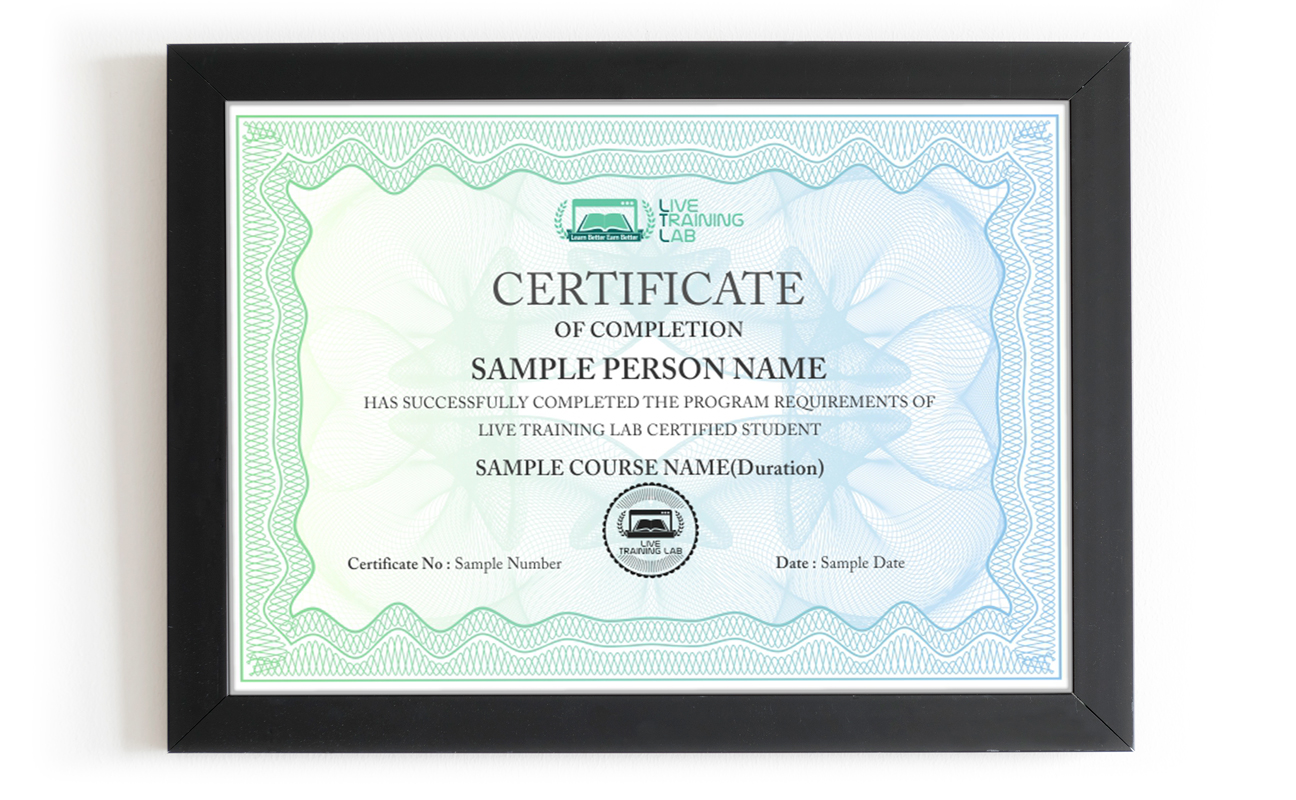
You can share your Certificate in the Certifications section of your social profile, on printed resumes, CVs, or other documents.