
- Plan & Schedule Projects Using Microsoft Project
- Create Timelines with Gantt Charts
- Manage Tasks, Deadlines & Project Workflow
- Allocate Resources & Track Project Costs
- Monitor Progress & Generate Project Reports
- Work on Real Project Management Scenarios
- Improve Planning Accuracy & Team Coordination
- High-Demand Skill for Project Managers & Teams
Microsoft Project Training Course

Master Microsoft Project & Manage Projects Professionally
Live Online Training to Plan, Schedule & Track Projects Using Industry-Standard Tools & Techniques
MS PROJECT CERTIFICATION COURSE
What is Microsoft Project Training course?
Microsoft Project Training is essential for mastering project management using this software. Whether you’re looking for an MS Project online course, a Microsoft Project certification course, or a course near you, it’s crucial to find comprehensive training to enhance your skills. Online Microsoft Project training courses offer flexibility and accessibility, allowing you to learn at your own pace. Explore various Microsoft Project courses, including those covering project setup, task management, resource assignment, scheduling, progress tracking, and communication strategies with teams. Consider checking local options for MS Project courses near me, or opt for online Microsoft Project software training for a convenient and comprehensive learning experience.
Microsoft Project Training
As with the growing requirements of clients, web developers are introducing websites with incredibly high functionality while at the same time providing extremely user-friendly features such as Google, Yahoo, Olx, etc., which has alternatively raised the competition too high. Regarding this, if you’re interested in registering for Developing Rich Internet Applications Using the Microsoft Project training course to become a coding champ, a lot of confusion takes place in your mind.
Let’s have a brief but informative session to clear up any confusions!
Get Qualified with largest Institute World-Wide
Qualify with the world’s largest IT institute in our Microsoft Project Training Course. Learn project management essentials, including hands-on experience with Microsoft Project. Choose English, Urdu, or Hindi, and boost your professional confidence through practical challenges on our flexible live training platform. Enroll now for a stronger foundation in project management.
Get Certified with Next Big Profession World-Wide
Get certified in Microsoft Project and excel in project management. Acquire essential skills in scheduling, resource allocation, and progress tracking. Join the next big wave in professional development and open doors to numerous working opportunities. Enroll now to become proficient in Microsoft Project, a crucial skill adopted by millions of professionals worldwide.
Get Hired in leading IT Organizations World Wide
Get hired in leading IT organizations worldwide by mastering Microsoft Project through our comprehensive training course. Excel in project management and join the ranks of professionals highly sought after by top enterprises. Discover the satisfaction of leveraging Microsoft Project skills with a competitive edge. Enroll now to elevate your career prospects in the dynamic field of project management.
What Will You Learn
- Efficiently set up and manage projects.
- Master task scheduling, and resource allocation.
- Resolve scheduling issues to ensure project timelines.
- Develop skills in progress tracking and performance analysis.
- Utilize various views and reports for project examination.
- Communicate project details effectively with team members and stakeholders.
- Acquire confidence in handling large and small-scale projects.
- Gain practical experience through live training challenges.
Course Schedule
| Start Date | Time | Seats Left | Price | |
|---|---|---|---|---|
| 26-Oct-26 : Mon | 12:00 PM | 2 | 15999 Rs | Register Now |
| 27-Oct-26 : Tue | 02:00 PM | 3 | 15999 Rs | Register Now |
| 28-Oct-26 : Wed | 04:00 PM | 5 | 15999 Rs | Register Now |
| 29-Oct-26 : Thu | 06:00 PM | 1 | 15999 Rs | Register Now |
| 30-Oct-26 : Fri | 08:00 PM | 4 | 15999 Rs | Register Now |
| 31-Oct-26 : Sat | 10:00 PM | 1 | 15999 Rs | Register Now |
| 01-Nov-26 : Sun | 10:00 AM | 1 | 15999 Rs | Register Now |
We provides this course in following city of Pakistan
- Karachi
- Islamabad
- Rawalpindi
- Azad Kashmir
- Lahore
- Sialkot
- Gujranwala
- Multan
- Gujrat
- Faisalabad
- Sahiwal
and other major cities in Pakistan.


100% online courses
Start instantly and learn at your own schedule.

Flexible Schedule
Set and maintain flexible deadlines.

Learn the latest skills
with on-demand training and development programs

Shareable certificate
Earn a Certificate upon completion
Shareable on Social Media
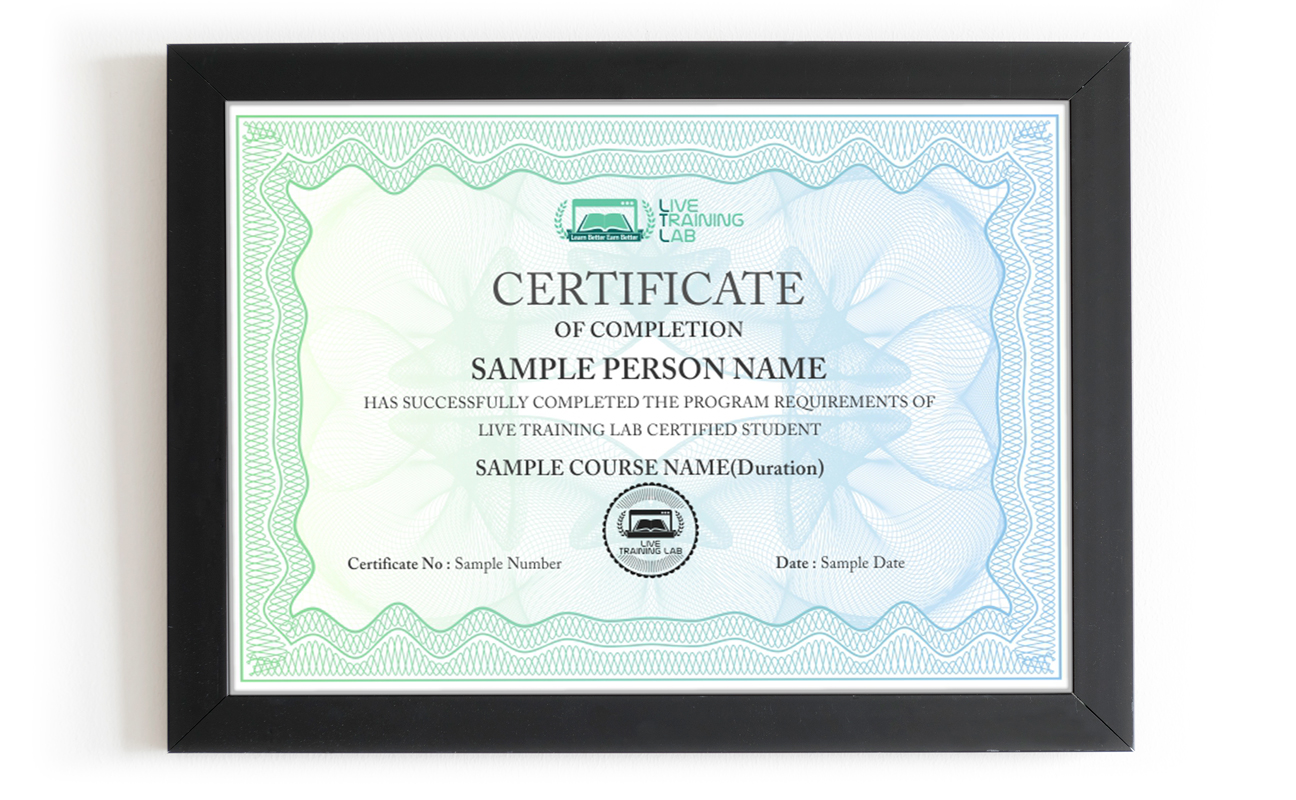
You can share your Certificate in the Certifications section of your social profile, on printed resumes, CVs, or other documents.
CURRICULUM
- Welcome
- Choosing the right Project edition
- Using the exercise files
- Using the ribbon
- Navigating the Backstage view
- Finding commands
- Creating and saving projects
- Creating a project from a template
- Creating a project from an Excel workbook
- Setting up calendars
- Defining working and nonworking time
- Setting basic options
- Understanding manual and auto scheduling
- Creating a manual task
- Creating an autoscheduled task
- Switching between manual and automatic scheduling
- Creating a milestone task
- Creating a recurring task
- Copying tasks from another program
- Creating a summary task
- Displaying summary tasks
- Organizing tasks in a task list
- Working with work breakdown structure (WBS) codes
- Linking tasks
- Adding lag or lead time
- Setting task date constraints
- Viewing tasks and task links
- Understanding resources
- Creating a work resource
- Creating a material resource
- Setting up costs for work and material resources
- Creating a cost resource
- Assigning resources to tasks
- Using Team Planner to assign resources
- Finding overallocations
- Assigning resources with effort-driven and non-effort-driven scheduling
- Modifying resource assignments
- Replacing resources on a task
- Choosing a view
- Working with a table
- Inserting and rearranging table columns
- Changing the settings for columns in a table
- Displaying two views at the same time
- Using the Timeline view
- Sorting tasks and resources
- Grouping tasks and resources
- Filtering tasks and resources
- Modifying task bar styles and task bar text
- Modifying task bar layout
- Modifying text formatting
- Reviewing the critical path
- Using the Task Inspector to review scheduling issues
- Splitting a task
- Delaying a task or assignment
- Adjusting a work contour
- Leveling resources
- Inactivating a task
- Understanding baseline, scheduled, and actual values
- Saving and clearing a baseline
- Adding tasks to a baseline
- Updating the schedule
- Assigning overtime
- Updating costs
- Rescheduling unfinished work
- Viewing project schedule status
- Looking for schedule progress problems
- Looking for cost problems
- Working with text-based reports
- Using earned value
- Printing views and reports
- Saving to other formats
- Working with the Global Template
- Importing and exporting
- Sharing project information in other ways
Why Choose Live Training Lab ?
In the competitive market, many students and professionals face challenges in achieving success with Microsoft project courses. However, our Microsoft Project Training Course stands out by providing a practical and effective learning experience.
Unlike traditional methods, our live training classes offer real-time interaction with an authorized Microsoft Project instructor. Whether you are a beginner or a senior professional, the course adapts to your IQ level. We present a series of hands-on challenges, providing on-the-spot solutions to help you become a proficient project manager.
Feel confident asking questions in English, Urdu, or Hindi, as our instructor guides you through practical tasks and concepts. Elevate your project management skills with our Microsoft Project Training Course, where real-world application is prioritized for your success.
With a pool of over 1500+ live training instructors, finding the perfect fit for your Microsoft Project Training Course is essential. Don’t fall victim to scams; ensure your success by selecting an instructor who meets the following criteria:
- Access updated Microsoft Project training materials, including student guides, lab manuals, and flash drives, backed by an experienced support team.
- Engage in the Microsoft Project training course with online remote access software available in both English and Urdu.
- Enjoy a 100% money-back guarantee through McAfee secure payment if the instructor fails to deliver on commitments.
- Benefit from a comprehensive Microsoft Project training course within a budget-friendly package.
Take your first step toward success with a Microsoft Project Training Course that prioritizes your learning experience and guarantees your satisfaction.
- No need to make a trust blind anymore, Make Live training lab your first choice!
- As we offer you Microsoft Project course with live training platform, including student guide, manual lab and flash drive for examples and lab work prepared by our qualified experienced instructors with modern means. Since From last seven years we aim & succeeded too lets meet our more than 35,000 thousand students with sure-success, with more than 94% satisfied feedback in the world’s more than 90 countries including Pakistan, USA, United kingdom, Australia, Germany, china etc.
LTL experts found there are
- 650 million peoples are disable world wide.
- 15-20% population of every country is less confident
These peoples are not able to join any leading company physically. Thus, besides having the capabilities and skills they are living a poverty life especially in Pakistan. We offer them to join Microsoft Project course to become a professional as,
- 1.5 million Microsoft project professionals are employing virtual as a freelance with the minimum income of $20.46/HR or $55965.
- More than 1378 freelancing websites offering you working opportunities in more than 90 countries with the 84% satisfied response.
Instead of being a name of trust around many leading IT enterprises aspirely at national level and inspirely at international level we never ask you to go for mere words, we are proud of our qualified staff with their lifetime industrial experience.
So, Live training lab offers you a 100 % money back guarantee via McAfee secure payment if not succeeded to commit what we deliver.
84% potential Microsoft Project course attempters face the failure besides having the capabilities and skills to become a web developer just because of the English language in Asia.
To close this chapter of failures our qualified training instructors consumed a huge amount of money with advance resources to generate a complete Microsoft Project course in English, Urdu or Hindi with Live training session 24/7, 1st time in Pakistan.
Live training lab is offering you get live training class’s thorough Remote access software 1st time in Pakistan. Because Via remote Access software .
- Via remote viewing and control software our lab instructor monitor your lab work and on-spot respond to any issue during exercise.
- You never feel embarrassment while asking any question to your instructor in any exercise as you feel while sitting in an actual class with other students physically.
- They apply effective teaching methodologies according to your IQ level and through this two ways audio and video allows a good exchange of questions and answers as real time actively.
LTL is very proud of his generated web developers (students) thus At the completion of Microsoft Project course , we offer,
- Live-paid projects
- Free course training Material
- High Designation jobs in leading IT industries world-wide
Besides having a strong market value we always aim to generate advanced web developers to this highly competitive market in economical budget.
We treat our each and every single student as our family member and offers a huge discount of 50% for them who are interested to change their destiny be transformed into a master-level web developer.
₨32,000.00₨16,000.00