
- Create Professional Documents, Reports & CVs
- Master Text Editing & Advanced Formatting Skills
- Learn to Create & Format Tables Professionally
- Use Bullet & Numbered Lists for Clean Documents
- Improve Document Layout, Alignment & Structure
- Work on Real Office-Based Practice Documents
- Save Time with Smart Formatting Techniques
- Essential Skill for Office Jobs & Students
Microsoft Word : Editing and Formatting, Working with Tables and Lists Course

Master MS Word Editing & Formatting for Professional Documents
Live Online Training to Create Clean, Professional Documents Using Tables, Lists & Advanced Formatting
COURSE DESCRIPTION
What Is the Microsoft Word Editing, Formatting, Tables and Lists Course?
Almost nothing gets written on paper first any more. Reports, applications, contracts, CVs, assignments and letters all start in a Word file, and the person who can make that file look right in ten minutes saves themselves an afternoon. Managers, doctors, lawyers, journalists, clerks, editors and office secretaries all lean on Word for their daily paperwork. The tools that matter are not the obvious ones: styles, tabs, table layout and proper lists are what keep a long document from falling apart halfway through, and those are the ones we drill in class.
Looking for a Word course near you? Ours runs live and online, so there is no travel and no fixed classroom. You join at your batch time, work in your own document while the trainer watches, and get your questions answered on the spot.
By the end of the 4 weeks you can build a document from scratch, format it so it looks like it came from a professional office, drop in tables, charts and images without the layout collapsing, and set up Word the way you prefer to work. The last week covers proofing, page setup, headers and footers, and saving into the formats other people ask for.
LiveTrainingLab Word Course Goals
Microsoft Word is the one program nearly every computer user opens, at work and at home. That is exactly why doing it badly is so costly: a report with broken numbering or a CV with wandering margins gets noticed straight away. If you are thinking about joining our Microsoft Word course and you are not sure what it covers or whether it suits your level, here is a plain answer. The 4-week plan runs from the interface and text editing through character and paragraph formatting to tables, lists, images and proofing, and you practise each part live with your trainer.
Here is a short walk through the course so you know what the 4 weeks actually cover.
Build a Real Word Foundation, Step by Step
You start with the Word interface, text selection and editing, then move up to fonts, tabs, paragraph layout, styles, tables and lists. Sessions are taught live in English or Urdu, with a document task in each one that the trainer checks while you are still in class. Batches run at fixed times over 4 weeks, and you join from home.
Get Your Certificate After the 4 Weeks
You finish with a LiveTrainingLab certificate for the Word course, issued once you complete the 4 weeks and the final assessment task. The certificate is useful, but the documents you build during class matter more, because that is what an employer actually looks at.
Documents you can show in a job interview
Practice files from every live session
A final assessment task to prove what you learned
Where Word Skills Get Used Every Day
Word turns up in every office role there is. Admin staff formatting reports, HR writing policies and letters, lawyers and clerks handling long contracts, students preparing theses, and anyone putting together a CV that has to survive a recruiter’s first glance. By the end of 4 weeks you can produce all of these without fighting the software.
What You Will Learn in These Live Classes
- Getting started with Microsoft Word 2016
- Using the interface to create a basic document
- Getting help in Microsoft Word 2016
- Editing a document
- Formatting text and paragraphs
- Adding tables and graphic objects to a document
- Managing lists
- Controlling page appearance
- Proofing a document
- Customizing the Microsoft Word environment
- Managing different types of Microsoft Word files
- Checking a document for compatibility issues
How Our Live Microsoft Word Classes Work
Every session is taught live by a trainer at a fixed time, with a small batch. You open Word on your own machine and build the document along with the class, so styles, tabs, tables and lists get made while somebody is there to check them. Share your screen and the trainer can see why your heading numbering restarted or why a table keeps jumping to the next page.
Questions get answered as they come up, in English or Urdu. Each class ends with a short task, and the next one opens by looking at what you produced. Over 4 weeks that leaves you with finished documents rather than notes about menus.
Why a Live Class Beats a Recorded Word Course
Everybody can already type in Word, which is exactly why self-study fails here. The gap is not knowing where the buttons are, it is knowing why a document falls apart at page twelve. Manual spacing instead of styles, tabs faked with the space bar, tables built by hand.
A trainer spots those habits in your file and takes them out of you early. You also get feedback on your own work rather than a sample document that was never messy in the first place. Add a fixed class time and a task somebody is waiting to see, and far more students actually reach week four.
Course Schedule
| Start Date | Time | Seats Left | Price | |
|---|---|---|---|---|
| 26-Oct-26 : Mon | 12:00 PM | 4 | 15999 Rs | Register Now |
| 27-Oct-26 : Tue | 02:00 PM | 5 | 15999 Rs | Register Now |
| 28-Oct-26 : Wed | 04:00 PM | 5 | 15999 Rs | Register Now |
| 29-Oct-26 : Thu | 06:00 PM | 2 | 15999 Rs | Register Now |
| 30-Oct-26 : Fri | 08:00 PM | 1 | 15999 Rs | Register Now |
| 31-Oct-26 : Sat | 10:00 PM | 2 | 15999 Rs | Register Now |
| 01-Nov-26 : Sun | 10:00 AM | 1 | 15999 Rs | Register Now |
We provides this course in following city of Pakistan
- Karachi
- Islamabad
- Rawalpindi
- Azad Kashmir
- Lahore
- Sialkot
- Gujranwala
- Multan
- Gujrat
- Faisalabad
- Sahiwal
and other major cities in Pakistan.


100% online courses
Start instantly and learn at your own schedule.

Flexible Schedule
Set and maintain flexible deadlines.

Learn the latest skills
with on-demand training and development programs

Shareable certificate
Earn a Certificate upon completion
Shareable on Social Media
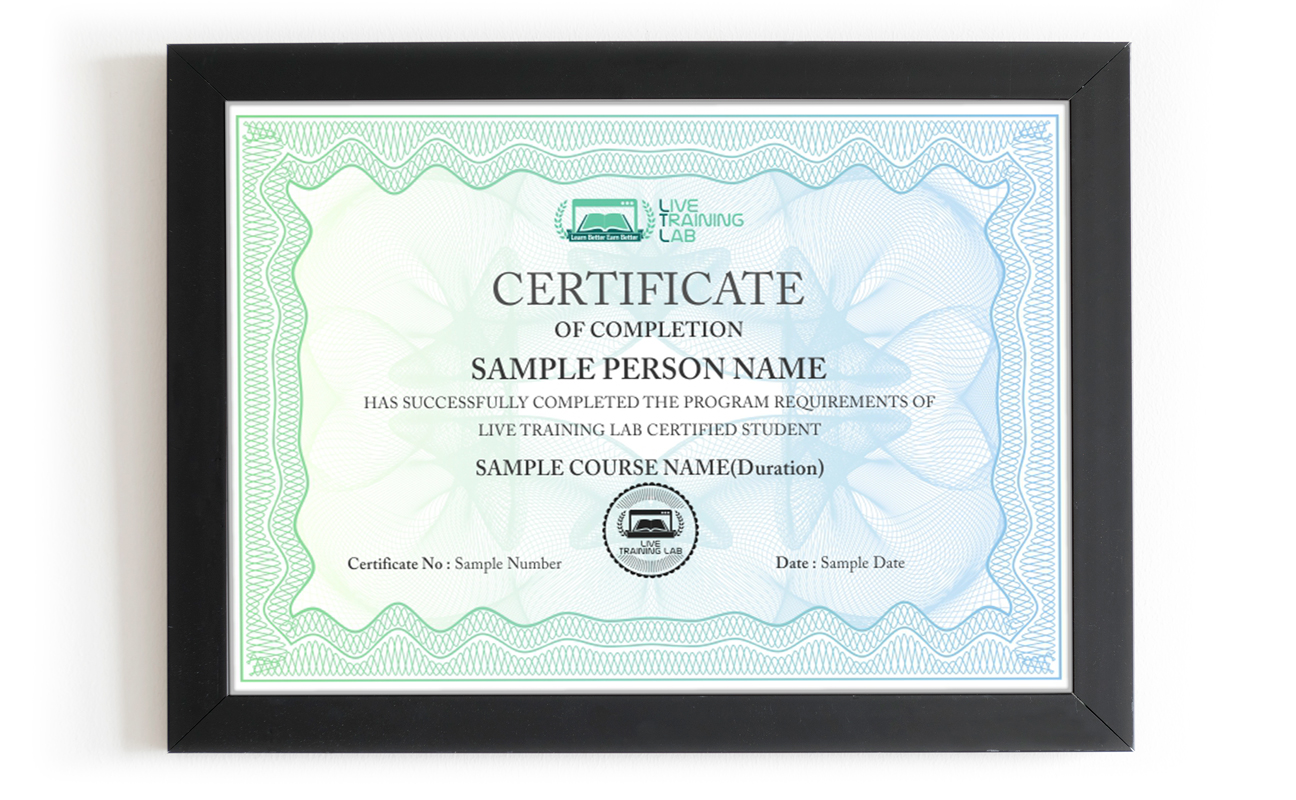
You can share your Certificate in the Certifications section of your social profile, on printed resumes, CVs, or other documents.
CURRICULUM
Section 1: Identifying the Components of the Word Interface
Section 2: Creating a Word Document
Section 3: Navigating and Selecting Text
Section 4: Modifying Text
Section 5: Finding and Replacing Text
Section 6: Applying Character Formatting
- Font Options
Section 7: Aligning Text Using Tabs
Section 8: Displaying Text as List Items
Section 9: Controlling Paragraph Layout
Section 10: Applying Borders and Shading
Section 11: Applying Styles
Section 12: Managing Formatting
Section 13: Adding Tables
- Header rows, banded rows, cell borders and shading
Section 14: Modifying a Table
Section 15: Formatting a Table
Section 16: Converting Text to a Table
Section 17: Performing Calculations in a Table
Section 18: Table Cell Layout
Section 19: Creating Charts
Section 20: Sorting and Renumbering a List
Section 21: Customizing a List
Section 22: Inserting Symbols and Special Characters
Section 23: Adding Images to a Document
- Resizing Options
- Cropping Images
Section 24: Integrating Pictures and Text
- The Screenshot Tool
Section 25: Adjusting Image Appearance
Section 26: Inserting Video
Section 27: Applying a Page Border and Color
Section 28: Adding a Watermark
Section 29: Controlling Page Layout
Section 30: Adding Headers and Footers
Section 31: Checking Spelling and Grammar
Section 32: Using Other Proofing Tools
Section 33: Customizing the Word Interface
Section 34: Using the Additional Save Options
Section 35: Managing Additional File Types
Section 36: Final
This final lecture will evaluate expectations and real gained knowledge and experience. Lecturer will share some self-development sources for further independent training of course participants.
Every student gets a practical task of their own: a full document built from a real brief, formatted properly with styles, tables, lists and page setup from start to finish.
Every course participant will have to present his final assessment task result in his chosen individual manner to the audience.
Batches, Timings and the 4-Week Plan
The Word course runs over 4 weeks and follows the sections in the curriculum above. Week one covers the interface, creating and saving documents, navigation, text editing, and find and replace. Week two is formatting: fonts, the Format Painter, tabs and rulers, lists, paragraph layout, borders, shading and styles. Week three moves into tables, from inserting and modifying to formatting, converting text, calculations, cell layout and charts, plus sorting and multilevel lists. Week four covers images, page borders, watermarks, page layout, headers and footers, proofing, customising Word, save options and the final assessment task.
Batches run morning and evening so students and working people can both find a slot. Your timing is confirmed at enrolment, and the trainer stays reachable through the course.
Who This Word Course Is For
Office and admin staff who format reports, letters and policies. Students working on assignments and a final thesis. Anyone whose CV needs to look better than the template it came from. Data entry and clerical staff who live in tables all day. Freelancers producing invoices, proposals and contracts for clients.
No technical background is needed. If you can type into a document, you have enough to start week one. If you already use Word daily and want the styles, tables and long-document side, mention it at enrolment and the early sessions get adjusted to your level.
Why Choose LiveTrainingLab for MS Word
Plenty of people try to pick up Microsoft Word from recorded videos and PDF files. It looks cheap and flexible, and then the folder sits untouched after the first week. Nobody looks at your document, nobody tells you the numbering will break on page nine, and there is no set day when the next lesson happens.
When we ask learners why the self-study route did not work for them, the answer is usually a version of the same thing.
Reading a PDF never built the habit. It turned into memorising menus instead of actually formatting a document. With a recording there is nobody to ask when your table splits across a page or your bullets refuse to line up, and no work that gets checked. A live class fixes both. You share your screen, the trainer sees the problem while it is happening, and you sort it out in the same session.
So the safer route is a live Word class with a trainer who formats documents every day, watches your screen while you build, and sets the pace to suit you. In our sessions your trainer will:
- Start at your level, from the very basics or from wherever your office work already needs you to be.
- Give you a practical document task in every session and correct your mistakes on the spot, so the habit actually sticks.
Take your questions in English or Urdu, so you can ask freely and leave the session with the concept clear rather than half understood.
There is no shortage of people selling Microsoft Word training online, and the quality swings wildly from one to the next. Before you pay for any Word course, ask a few plain questions about the class itself. Who teaches it, is it live or a playback, how big is the batch, what do you get to keep, and what happens if you miss a session. Here is where we stand on each of those:
-
Up to date Word practice files and a student guide you keep after the course
- A Word course certificate once the 4 weeks and the final task are done.
- A fixed batch timing and a trainer you can reach through the whole course.
Live sessions with screen sharing, taught in English or Urdu.
Fees and timings told to you clearly before you enrol.
-
You do not have to take our word for it. Sit in on a live LiveTrainingLab session first, see how the trainer handles questions, and decide after that.
The Word course runs as a live class with a student guide and ready-made practice files, so there is always something in front of you to work on. The exercises come from trainers who format documents for real clients, not from a generic manual. We are a Pakistan-based team, and students join our batches from home, from the office and from outside the country.
Two things we hear often from students:
- Many learners simply cannot travel to a classroom every week.
- Others hesitate to ask questions in front of a full room.
A live online class removes both problems. You join the session from wherever you are, with your camera on or off, and you can type your question in the chat if you would rather not speak. The trainer answers it in the same class, so nothing gets carried over to next week.
- You join from home, on camera or with your mic only, whichever suits you.
You can ask the trainer to repeat a step as many times as you need.
Our trainers format long documents for real work outside the classroom, which is why the exercises look like actual office jobs rather than textbook drills. We would rather show you than tell you.
So LiveTrainingLab lets you sit in on a live session before you enrol. Watch how the class runs, ask a question, and decide from there. If it does not suit you, you have lost nothing but an hour.
Language stops a lot of capable people from getting far with software training. The skill is there, the English is not, and the class moves too quickly to follow.
So our trainers teach the Word course in English or Urdu, and they switch between the two mid-session when it helps someone follow. Ask your question in whichever language you think in. Batch timings are set when you enrol, and the course runs over 4 weeks.
LiveTrainingLab runs every class with screen sharing, so a session works much like sitting beside your trainer. You format the document, the trainer watches it happen, and the correction comes while the file is still open in front of you.
- Your trainer watches your document during the exercise and steps in the moment a table or a list starts misbehaving, so you are never left stuck until the next session.
- Batches stay small, and you can ask in the chat or on mic, so there is no waiting for a turn and no feeling that you are holding the class up.
Trainers set the pace from what they see on your screen, and because audio and video run both ways, questions and answers go back and forth right through the session instead of piling up at the end.
LiveTrainingLab students leave with more than a certificate at the end of the 4 weeks. Here is what comes with the Word course:
- Real document briefs to practise on
- Course material and practice files, free
- Guidance on formatting your CV and work documents
We want solid Word skills to stay within reach of students and working people, not priced like a corporate workshop. The fee stays low without shortening the live sessions or crowding the batch.
Every student gets the same attention from the trainer, whichever batch they sit in. Ask us about current fee options when you enquire, and we will tell you what the 4-week course costs before you commit to anything.
It is live from the first class to the last. Your trainer teaches in real time, watches your shared screen while you format documents, and answers questions in the same session. Nothing is a replay of an older batch.
A laptop or desktop with Microsoft Word installed, a steady internet connection and a headset. Classes run on Zoom, so the app or a browser is enough to join. If your connection drops mid-session, message your trainer and you can catch up on the part you missed.
₨32,000.00₨16,000.00