
- Build Real Websites from Scratch (No Templates)
- Learn HTML5, CSS3 & jQuery Step-by-Step
- Create Responsive Websites for Mobile & Desktop
- Add Animations & Interactive Features
- Work on Real Projects During Training
- Start Freelancing as a Web Developer
- Learn Client Work & Website Deployment
- Build Portfolio to Get Paid Projects
Developing Rich Internet Applications Using HTML 5, CSS3 and j Query course

🎯Learn Web Development & Start Building Websites
Live Online Training in HTML5, CSS3 & jQuery to Build Modern Websites & Start Freelancing or Job Career
COURSE DESCRIPTION
What is Developing Rich Internet Applications Using HTML5, CSS3 and jQuery course?
This is a hands-on course for designers and developers who want to build genuinely interactive sites rather than static pages. You work with HTML5, CSS3 and jQuery together, using the features modern browsers actually support, and you write every line yourself in the live session.
Looking for an HTML5, CSS3 and jQuery course near you? Ours runs live and online, so you join at your batch time, build along with your trainer, and get errors found on the spot instead of guessing alone.
-
HTML5 brings its own set of features: semantic structure tags, richer form elements with built-in validation, native audio and video, Canvas for drawing, and browser APIs such as geolocation and storage. You use each of them in the live sessions rather than reading a list.
-
jQuery is a JavaScript library, not a language of its own. It takes the long-winded parts of client-side scripting and shortens them, and the course covers DOM manipulation, event handling, animation and Ajax with it.
-
CSS3 adds selectors and properties that remove a lot of old workarounds: text and drop shadows, rounded corners and gradients without opening an image editor, plus transitions and animations that need no JavaScript at all. Flexbox and grid then handle the layouts that used to need floats.
LiveTrainingLab Front-End Course Goals
Clients now expect a site to do something, not just sit there: sliders, filters, forms that check themselves, content that loads without a reload. That is the gap between a page and an application, and it is what this course covers. If you are unsure what the 4 weeks include or whether the level suits you, the next few lines set it out plainly.
Here is a short walk through the course so you know what the 4 weeks actually cover.
Build a Real Front-End Foundation, Step by Step
You start with HTML5 structure and forms, then move through CSS3 styling and layout into JavaScript and jQuery. Sessions are taught live in English or Urdu, with a coding task in each one that your trainer checks while you are still in class. Batches run at fixed times over 4 weeks, and you join from home.
Get Your Certificate After the 4 Weeks
You finish with a LiveTrainingLab certificate for the HTML5, CSS3 and jQuery course, issued once the 4 weeks and the final assessment are complete. The interactive site you build in class is what a client or an employer will actually ask to see.
An interactive site you can show a client
Practice files from every live session
A final assessment task to prove what you learned
Where These Skills Get Used at Work
HTML, CSS and JavaScript are the entry point to almost every web role, and the fastest skills to start freelancing with: landing pages, responsive fixes, sliders, forms and small interactive features. By the end of 4 weeks you can take that work on and hand it over properly.
What You Will Learn in These Live Classes
- Using the HTML5 new semantic elements for the structure of a web page.
- Adding audio and video to a Web page.
- Using the new form input types and form attributes.
- Using HTML5 for client-side form validation.
- Adding dynamic graphics to a Web page using Canvas.
- Using the new attribute selectors and pseudo-classes in CSS3.
- Creating effects with CSS3 such as drop shadows, text shadows and using custom fonts.
- Referencing jQuery in a Page.
- Selecting page elements using jQuery selectors.
- Selecting DOM elements using standard DOM methods.
- Creating and using jQuery plugins.
- Registering events in jQuery.
- Setting CSS properties of page elements.
- Making Ajax requests using the
$.ajaxfunction. - Changing the display style of an element using various effect methods.
How Our Live HTML5, CSS3 and jQuery Classes Work
Every session is taught live by a trainer at a fixed time, with a small batch. You have your editor and browser open and you build along with the class, so markup, styles and scripts get written while somebody is there to check them. Share your screen and the trainer can see why your Canvas is blank or why a jQuery selector matched nothing.
Questions get answered as they come up, in English or Urdu. Each class ends with a coding task, and the next one opens by reviewing what you built. Over 4 weeks that leaves you with working interactive pages rather than copied snippets.
Why a Live Class Beats Free Tutorials
There is no shortage of free front-end material, and no shortage of people who gave up on it. The content is rarely the problem. Getting stuck on why an element refuses to sit where you put it, with nobody to ask, is what ends most attempts somewhere in week two.
In a live class you open the browser inspector with your trainer and the cause takes a minute. You also learn to read the inspector and the console yourself, which is the skill that keeps you moving on every problem afterwards.
Batches, Timings and the 4-Week Plan
The course runs over 4 weeks and follows the curriculum above. Week one covers HTML5: semantic elements, audio and video, Canvas, and the new form input types with client-side validation. Week two is CSS3, from selectors and pseudo-classes through the box model, shadows, custom fonts, transitions and animations to flexbox and grid. Week three moves to JavaScript, covering variables, control structures, functions, the DOM and event handling. Week four is jQuery, including selectors, DOM work, effects, plugins and Ajax with JSON, plus responsive design and the final assessment.
Batches run morning and evening so students and working people can both find a slot. Your timing is confirmed at enrolment, and the trainer stays reachable through the course.
Who This Course Is For
Designers who can mock up a page but cannot yet build it. Beginners who want a first skill they can charge for. WordPress users who want to edit a theme without breaking it. Freelancers who keep turning down jobs that need interactivity. Anyone planning to move into a framework later and sensible enough to learn the foundations first.
No programming background is needed. If you can use a computer comfortably, week one is the right starting point. If you already write HTML and CSS and want the JavaScript and jQuery side, mention it at enrolment and the early sessions will move faster.
Course Schedule
| Start Date | Time | Seats Left | Price | |
|---|---|---|---|---|
| 26-Oct-26 : Mon | 12:00 PM | 2 | 15999 Rs | Register Now |
| 27-Oct-26 : Tue | 02:00 PM | 1 | 15999 Rs | Register Now |
| 28-Oct-26 : Wed | 04:00 PM | 4 | 15999 Rs | Register Now |
| 29-Oct-26 : Thu | 06:00 PM | 1 | 15999 Rs | Register Now |
| 30-Oct-26 : Fri | 08:00 PM | 3 | 15999 Rs | Register Now |
| 31-Oct-26 : Sat | 10:00 PM | 4 | 15999 Rs | Register Now |
| 01-Nov-26 : Sun | 10:00 AM | 5 | 15999 Rs | Register Now |
We provides this course in following city of Pakistan
- Karachi
- Islamabad
- Rawalpindi
- Azad Kashmir
- Lahore
- Sialkot
- Gujranwala
- Multan
- Gujrat
- Faisalabad
- Sahiwal
and other major cities in Pakistan.


100% online courses
Start instantly and learn at your own schedule.

Flexible Schedule
Set and maintain flexible deadlines.

Learn the latest skills
with on-demand training and development programs

Shareable certificate
Earn a Certificate upon completion
Shareable on Social Media
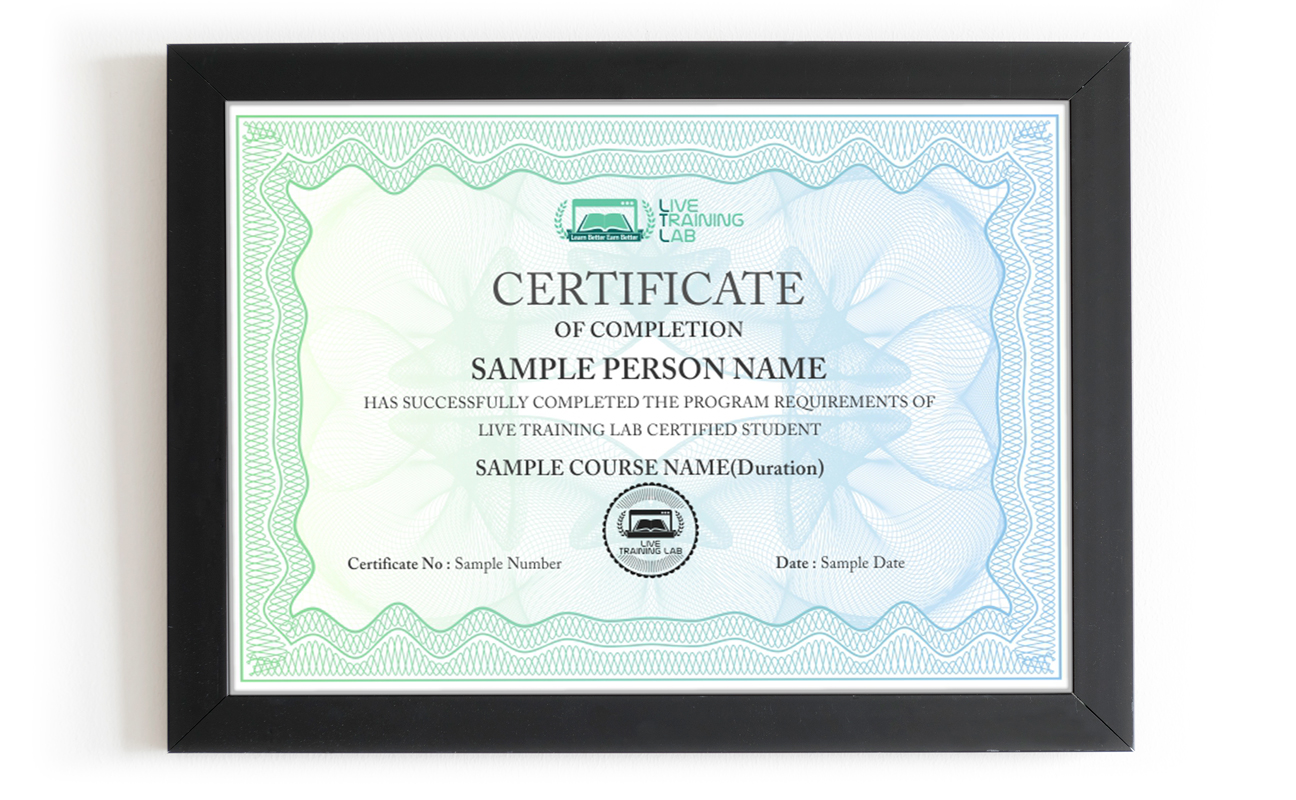
You can share your Certificate in the Certifications section of your social profile, on printed resumes, CVs, or other documents.
CURRICULUM
- Overview of HTML5
- Comparing HTML5 to XHTML
- Changes to Existing Tags
- Deprecated Elements and Attributes
- Browser Support
- Modernizr JavaScript Library
- HTML5 Shiv and Polyfills
- Browser Support for Audio/Video Formats
- <audio> and <video> Elements
- Canvas Basics and the Drawing Context
- Drawing Shapes, Text and Images on Canvas
- The Geolocation API
- Web Storage API
- Drag and Drop API
- Introduction to Web Forms
- Form Elements and Attributes
- Form Validation Techniques
- Custom Form Controls
- Styling Web Forms with CSS
- Overview of CSS3
- CSS Selectors and Pseudo-Classes
- CSS Box Model and Layout
- Responsive Design Techniques
- Transforms, Transitions, and Animations
- Flexbox Layout
- Grid Layout
- Custom Fonts and Typography
- Filters and Blend Modes
- Advanced Selectors and Styling Techniques
- Introduction to JavaScript
- Variables and Data Types
- Operators and Expressions
- Control Structures
- Functions and Scope
- Introduction to DOM
- DOM Manipulation Techniques
- Event Handling with JavaScript
- Dynamic Content Generation
- Error Handling and Debugging
- Introduction to jQuery
- jQuery Selectors and Filters
- DOM Manipulation with jQuery
- Event Handling with jQuery
- Animation and Effects
- Introduction to AJAX
- Asynchronous JavaScript and XML
- Working with JSON Data
- Consuming APIs with AJAX
- Error Handling and Best Practices
- Introduction to Responsive Design
- Media Queries and Breakpoints
- Flexible Grid Systems
- Responsive Images and Videos
- Viewport and Device Adaptation
- Introduction to CSS Preprocessors
- SASS Fundamentals
- Variables and Mixins
- Nesting and Partials
- Compiling and Workflow
- Final Assessment Task
- Final
- Presentation
Media Element API and Events
Why spend money on recorded videos and PDFs when a live class costs about the same?
Plenty of people try to learn HTML5, CSS3 and jQuery from recorded videos and PDF files. It looks cheap and flexible, and then the folder sits untouched after the first layout that will not behave. Nobody looks at your code, nobody explains what broke, and there is no set day when the next lesson happens.
When we ask learners why the self-study route did not work for them, the answer is usually a version of the same thing.
-
Reading a PDF never built the skill. It turned into memorising tags instead of actually building a page.
With a recording there is nobody to ask when your layout collapses or a script silently does nothing, and no work that gets checked. A live class fixes both. You share your screen, the trainer sees the problem while it is happening, and you sort it out in the same session before moving on.
So the safer route is a live class with a trainer who builds sites every day, watches your screen while you work, and sets the pace to suit you. In our sessions your trainer will:
- Start at your level, from your very first HTML tag or from wherever your current projects already need you to be.
Give you a coding task in every session and fix your mistakes on the spot, so the reasoning behind the fix actually sticks.
Take your questions in English or Urdu, so you can ask freely and leave the session with the concept clear rather than half understood.
None at all. Week one starts with an empty file and the first HTML5 tags. If you already know some HTML and CSS, tell your trainer at enrolment and the early sessions will be pitched at your level instead.
A laptop or desktop, a steady internet connection and a headset. Classes run on Zoom, so the app or a browser is enough to join. Your trainer will help you set up a free code editor and show you the browser inspector in the first session.
About Instructor

Zohaib Baig
Before engineering, I developed and implemented CI (Continuous Improvement) management systems in companies across America in various industries to include a military finance organization.
₨32,000.00₨16,000.00